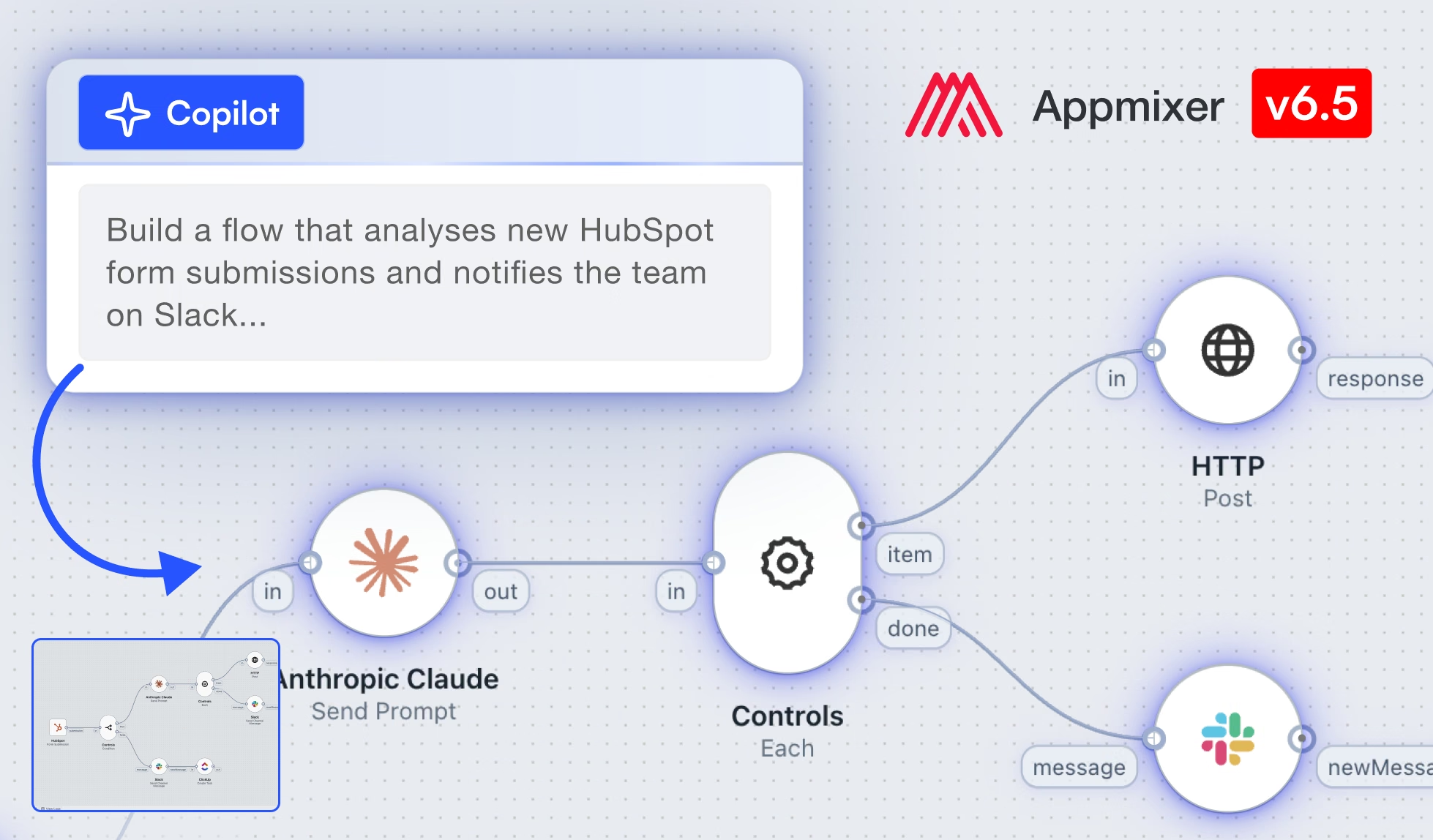
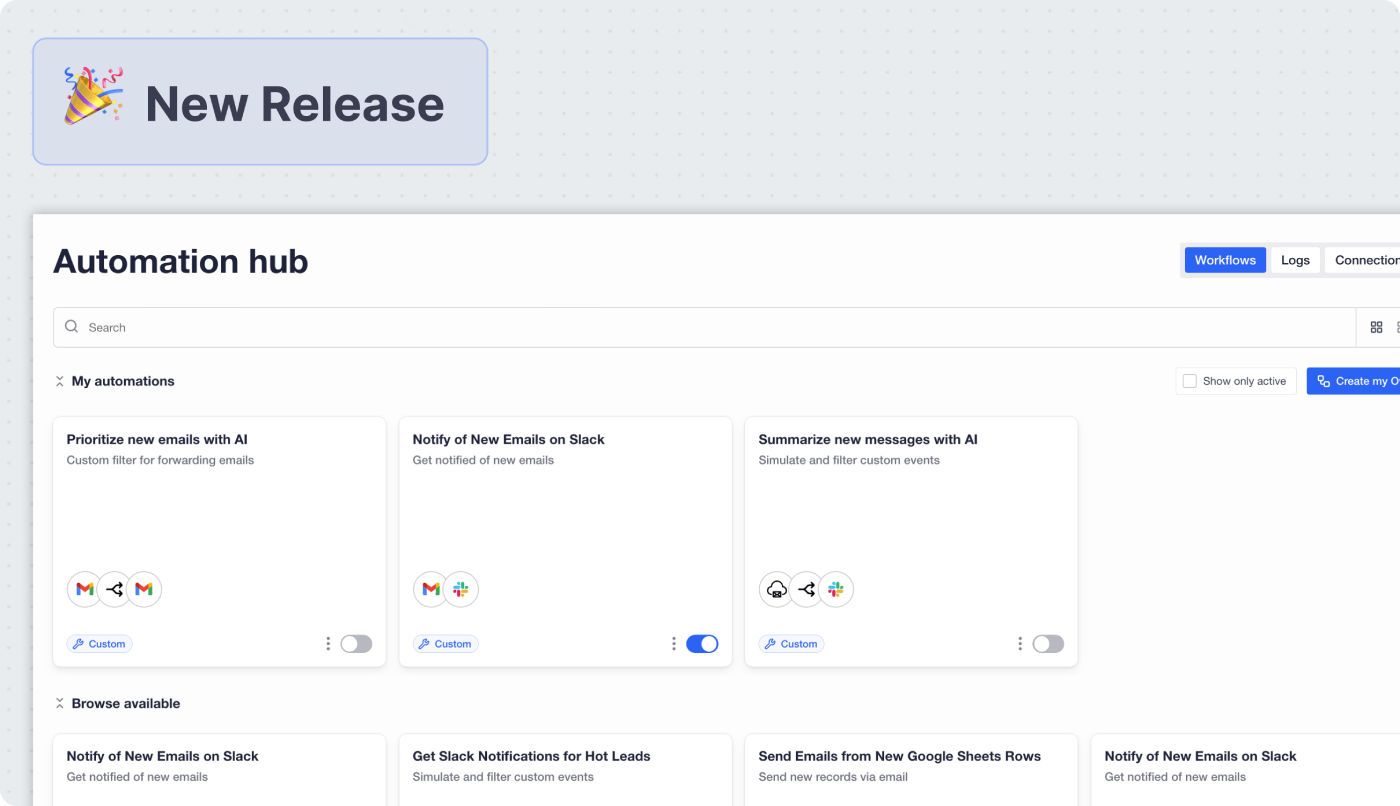
🎉 Appmixer 6.5 is here: The biggest release so far, bringing an AI copilot
Read more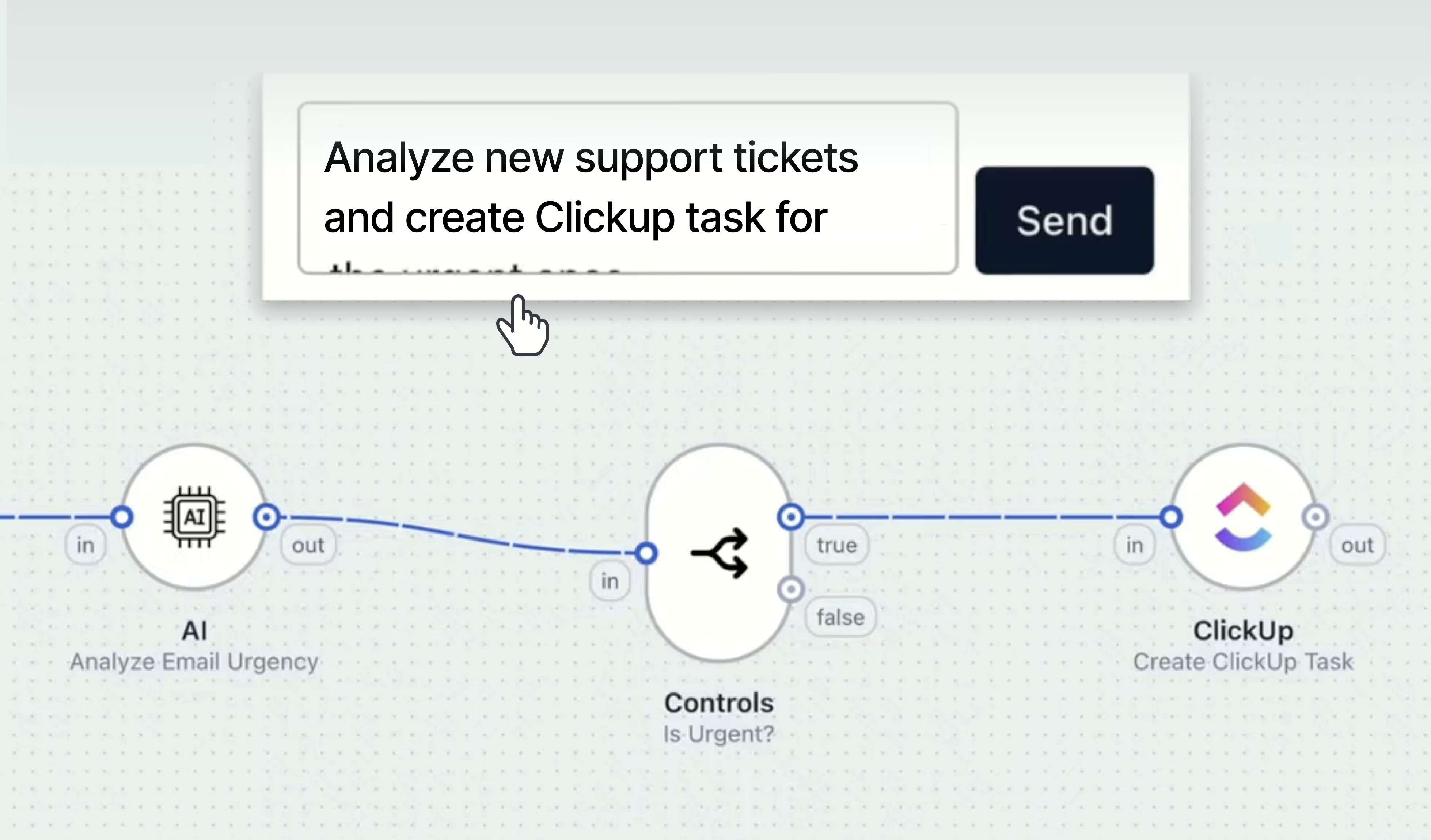
.jpg)
Your users already know what they want to automate. Ask any of them and you get a clear answer in one sentence: when a lead comes in, put it in the CRM. When an invoice is paid, tell the account manager. When an urgent email arrives, make it a task.
The distance between that sentence and a running automation is where the drop-off happens. Some users find a template that matches what they need and they are done in a minute. Some are comfortable on the canvas and build it themselves. And a large group sits in between: they know exactly what they want, they just are not sure where to start, so the automation never gets built and the workflow stays manual.
The Appmixer AI Copilot is built for that group.
The Appmixer AI Copilot is a feature of the Appmixer white label workflow automation platform that lets a non-technical end user describe an automation in plain language and get a working flow back. The copilot selects the trigger, adds the components, including AI and conditional steps, maps the fields between them, and picks up accounts the user has already connected. The flow it produces is a standard Appmixer flow, and all of this happens inside the SaaS product that embeds Appmixer, under that product's own branding.
If you ship software and your users automate work inside it, that changes who in your user base can create an automation at all.
Here is a real request, typed the way a user would type it:
"Build a flow that analyzes incoming emails and creates a task in ClickUp for the urgent ones."
The copilot returns a complete flow. It picked Gmail as the trigger. It added an AI step that reads each incoming email and judges whether it is urgent, then a condition that lets only the urgent ones through, then the ClickUp action that creates the task. It filled in the task name and description, including the variables that carry the sender and the subject across from the email.
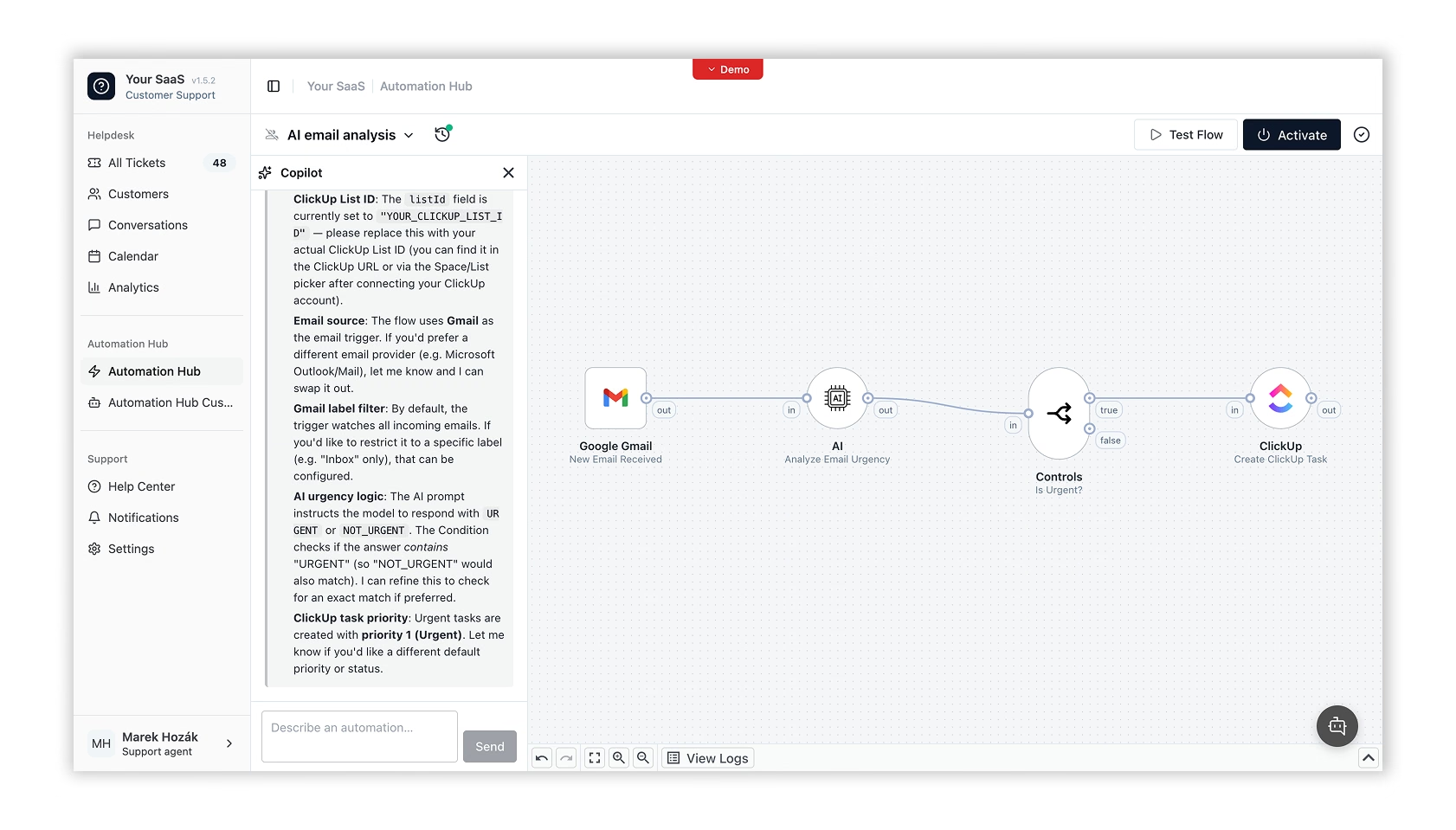
The value here is in what the user did not have to do. They did not choose between components they have never heard of. They did not decide that judging urgency needs an AI step rather than a keyword filter. They did not map a single field by hand, and they never had to learn what a trigger is.
Two things are left for them. First, connect the accounts the flow uses, in this case Gmail and ClickUp. Second, read through the field configuration and confirm it says what they expected, since the copilot made choices on their behalf and they are the ones who know their own process.
Then they turn it on.
What they end up with is an ordinary flow. It sits on the same automation builder as anything else built in your product, so when the same user comes back in three months and wants a second condition in the middle of it, they open it and keep going. The copilot is the front door, not a separate building.
It helps to separate what happens once from what happens every time.
What you set up once, as the vendor. The copilot is a platform plugin you enable, pointed at an LLM API key. That key can be your own, if you want the model and the data path under your control, or Appmixer's. You decide whether the copilot appears in your product at all, and it can be switched off entirely. It lives as a side panel in the flow designer, so it shows up where your users already build.
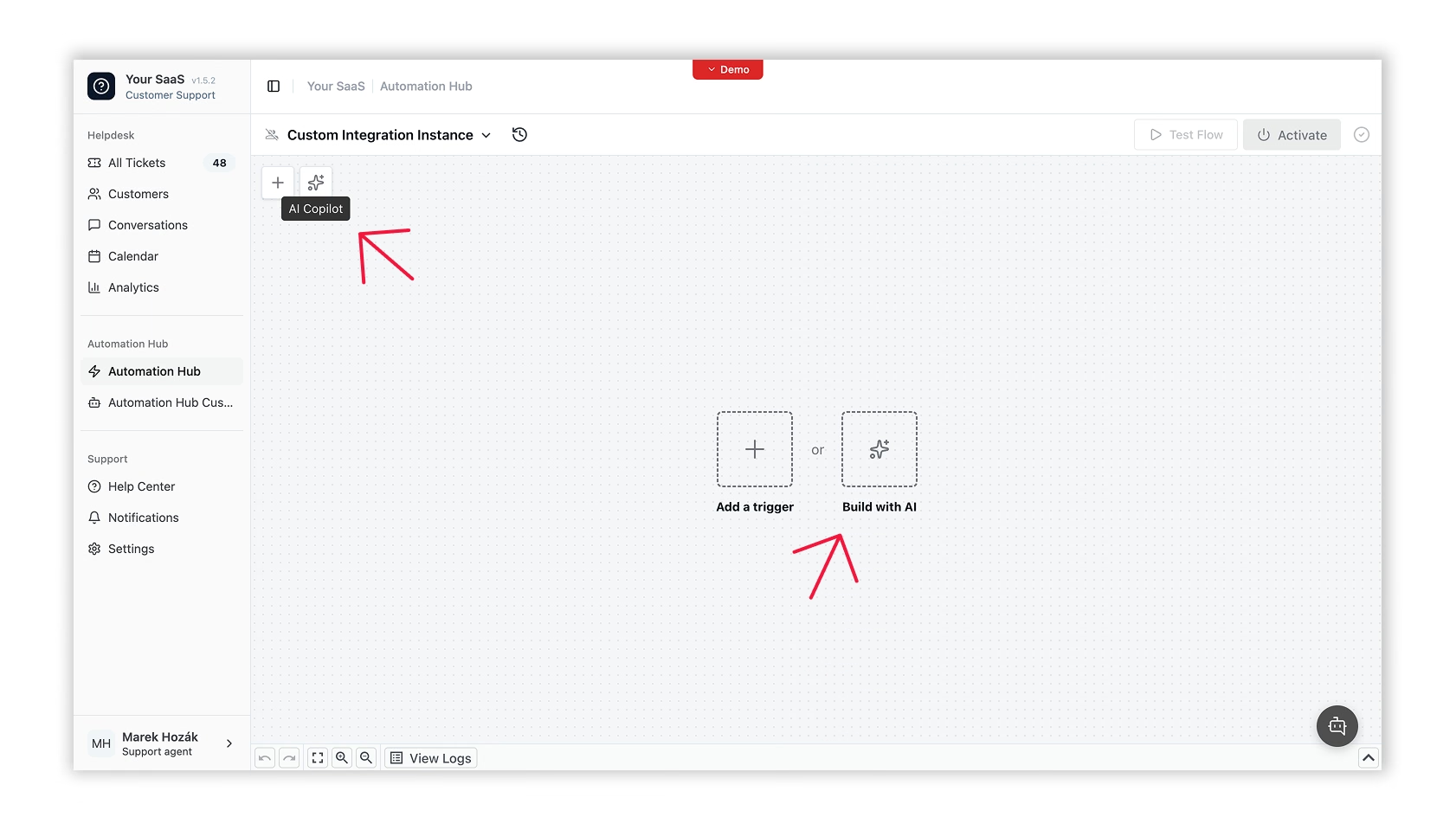
What the end user does every time. They describe the outcome they want in their own words. Where the flow needs an account they have already connected, the copilot selects it for them; anything new, they connect once, using the same authentication step as any other integration in your product. Then they check the field configuration and adjust anything the copilot guessed differently than they intended.
What happens automatically. Trigger selection, component selection, the order of the steps, and the field mapping between them. If the user has already connected an account for one of the apps in the flow, the copilot picks that too. This is the part that used to require a user to understand how a flow is structured, and it is the part the copilot removes.
Nothing, and that is the part worth paying attention to.
When a user points the copilot at a flow that is already live, it does not modify it. The generated flow lands in a draft version, the canvas switches into that draft, and the live flow keeps running exactly as it was. Publishing the change is a separate, deliberate action, and the user can execute a single test run against the draft before taking it.
The same care applies to work already in progress. If the user has an existing draft, the copilot asks before replacing it, and the previous state is written to version history first. Every version carries a timestamp and an author, so there is always something to restore rather than a change to regret.
For a CTO evaluating this, that is the answer to the obvious question. An AI feature that writes automations against production systems is only acceptable if there is a gap between what it generates and what actually executes. Here that gap is the draft, and the user closes it on purpose.
The example above uses Gmail and ClickUp because they are recognizable. That is not the interesting part.
The interesting part is that the copilot runs inside your application, on your endpoints, under your brand. Any endpoint in your own API can be exposed as a trigger or an action, and the copilot will use it exactly the way it used ClickUp. So a user of your project management tool can say "when a project moves to review, notify the client and create a folder in Drive," and the project stage that starts it is your object, in your product.
This is the difference between embedded automation and general-purpose automation tools like Zapier, Make, or n8n. Those live in their own tab and ask your users to leave your product. White-label workflow automation, sometimes called embedded iPaaS, puts the capability inside the product your users already have open, which is also where the usage data and the stickiness stay.
Most SaaS products with automation see the same shape in their numbers: a small group of power users who build a lot, and a much larger group who never build anything. That second group is not less motivated. They are stuck at the first screen.
Moving even part of that group into building their first automation affects the metrics your team is measured on. Users with an active automation have a reason to return daily. Automations built against your own API make your product harder to replace. And the support requests that start with "can you set this up for me" get shorter.
The AI Copilot is part of Appmixer today. Start a free trial and let your SaaS customers build this flows like this inside your own product.