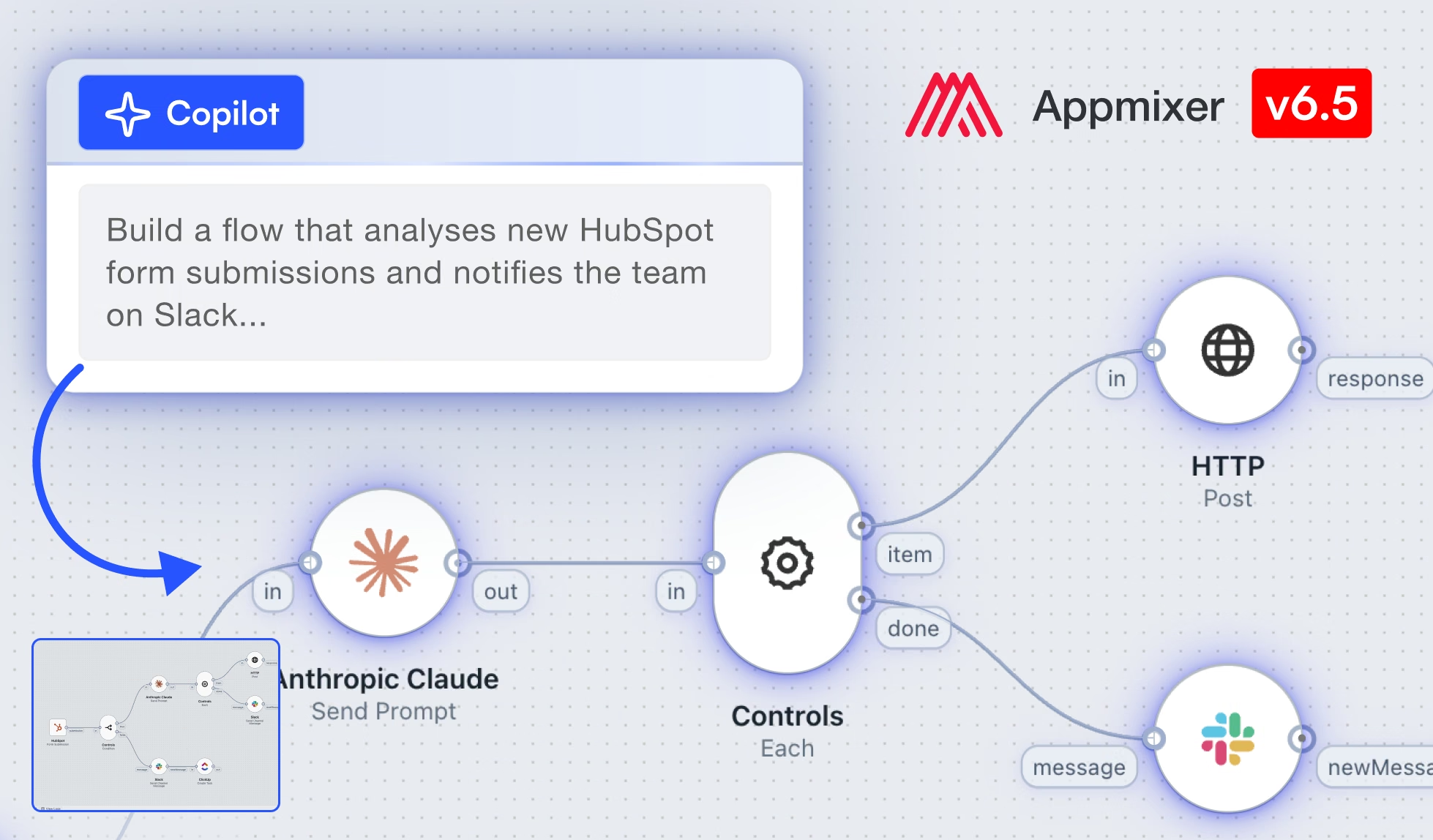
🎉 Appmixer 6.5 is here: The biggest release so far, bringing an AI copilot
Read more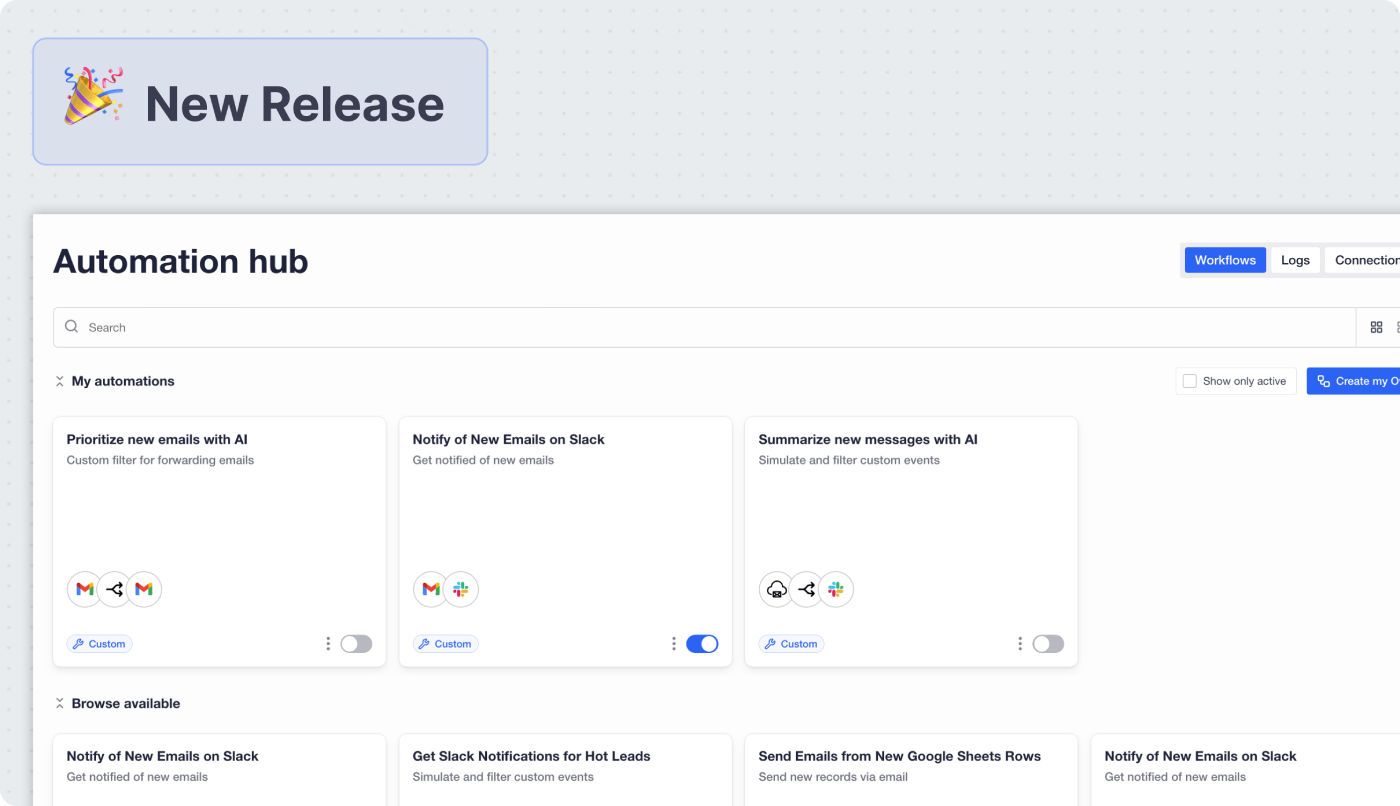
.jpg)
We've been heads-down on what comes next for embedded AI automation. Appmixer 6.4 is here, and it reshapes how your end users discover, build, and manage automations inside your product.
The headline feature is a brand-new AI Automation Hub — a single embeddable UI widget that gives your users two ways to automate: activate a pre-built template through a guided wizard, or open the visual builder to customize a template or build their own from scratch. On top of that, we're shipping User Groups & Workspaces for team collaboration, updates to running integrations, redesigned execution-based logs, a refreshed Studio UI, and meaningful improvements to the engine.
🎥 Watch Matous, our Head of Product, walk through everything new in 6.4 — plus a sneak peek at what's coming next. 🔥
💡 In this blog post, we cover the highlights of Appmixer 6.4. For the complete list — including API, SDK, and engine changes — read the full changelog.
The Automation Hub is a completely new embeddable widget — and the biggest update in 6.4. It's a one-stop shop where your end users can browse, run, customize, and manage automations, all in one place.
Until now, embedded automation has typically meant choosing between pre-built templates (easy but rigid) or a full visual builder (flexible but intimidating for non-technical users). 6.4 lets you offer both — or either — through the same widget, across two paths:
The guided wizard — for users who want to get running fast:
The visual builder — for users who want more control:
You decide what level of freedom your users get.

Organize your automations into categories that show up as tabs in the Hub. Manage them through the new Categories API or directly in the Studio's Hub Settings — and use them to filter what each user segment sees.
A new Hub Settings page in the Studio gathers everything in one place: header and subheader visibility, default layout, theme options, and customization permissions. Hit Open Preview to see your changes instantly before you ship them.

Want to let your team or a prospect explore your Hub without giving them an Appmixer Studio account? Share a secure link protected by OTP authentication and an email allow list — including regex patterns and wildcard domains.
Once your Hub is live, the new Analytics Dashboard shows you what's actually being used: adoption rates, most popular templates, most active automations, and success rates — with dedicated API endpoints if you want to pull the data into your own systems.
💡 Learn more about building your Automation Hub in our documentation.

If you've ever had to debug a complex automation, you'll appreciate this one.
We've completely redesigned the Logs interface around executions instead of individual messages. Browse logs by execution, see component inputs and outputs, follow correlation IDs across components to trace a single message end-to-end, and toggle between simplified and detailed views. JSON or tree view, your choice.
All component logs now include correlation and message IDs, making cross-component troubleshooting dramatically faster — for both your team and your end users.

A major new collaboration system that lets your internal teams or users share resources and work together on automations.
Create workspaces, add members, and share flows, accounts, and integrations across a team. Whether your end users are a 5-person ops team or a 500-person enterprise, they can now collaborate on automations the same way they collaborate on everything else.
The system is fully manageable through the new User Groups API, the Studio workspace switcher, and the Backoffice admin interface.
Editing live integrations used to mean stopping them. Not anymore.
Need to fix or improve a running integration? Click Edit, make your changes, and publish when you're ready — all while the original keeps processing data. The new draft workflow lets you safely iterate on live integrations without downtime or data loss. Don't like the changes? Discard the draft and nothing happens to the running version.
For database connections, AI provider accounts, or any service where you don't want every end user to bring their own credentials, you can now mark an account as shared with all template users. One credential, used by everyone running the template.
The Wizard Builder gets more granular control:
💡 Learn more in our documentation.
Lots of polish in 6.4 — here are the highlights.
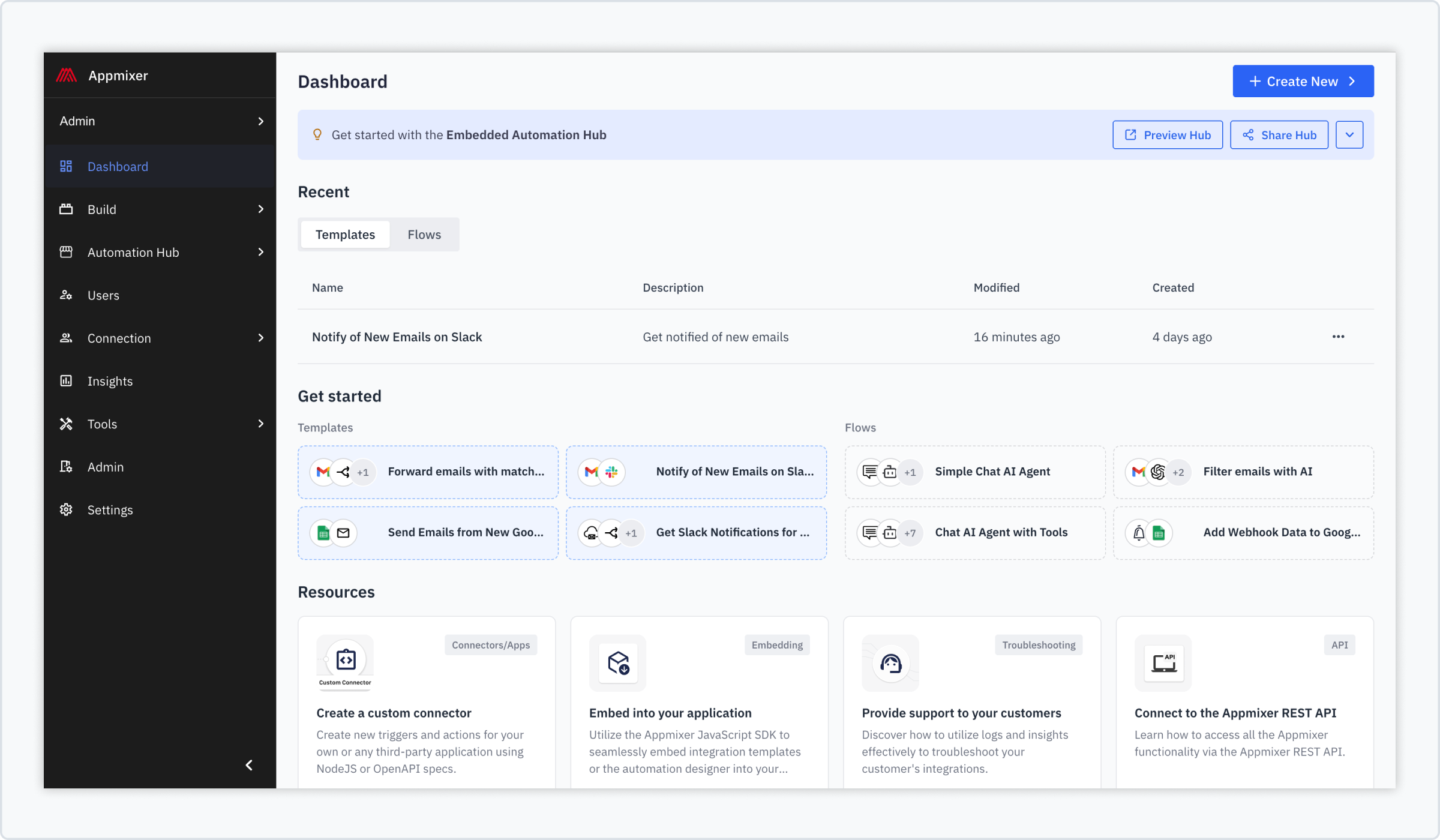
A single Build space now houses both automation templates and flows, with a refreshed dashboard and clearer navigation. The Automation Hub gets its own dedicated panel with quick access to Preview and Share.
Flows are now auto-named based on the components they contain. No more New automation (47) in your list.
Under the hood, 6.4 brings meaningful infrastructure work.
LIMIT_MESSAGE_MAX_BYTES) has been lowered from 15MB to 2MB — worth noting if your flows process large payloads.💡 Full details in the changelog.
We're already deep into the next release, and here's a sneak peek at what we're working on:
May Appmixer 6.4 make your product stickier, your customers happier, and your roadmap a little less crowded. 🍀
Got a feature idea or feedback on what we've shipped? We'd love to hear it. Submit your idea →